Your brand's approved assets. Organized, searchable, always available.
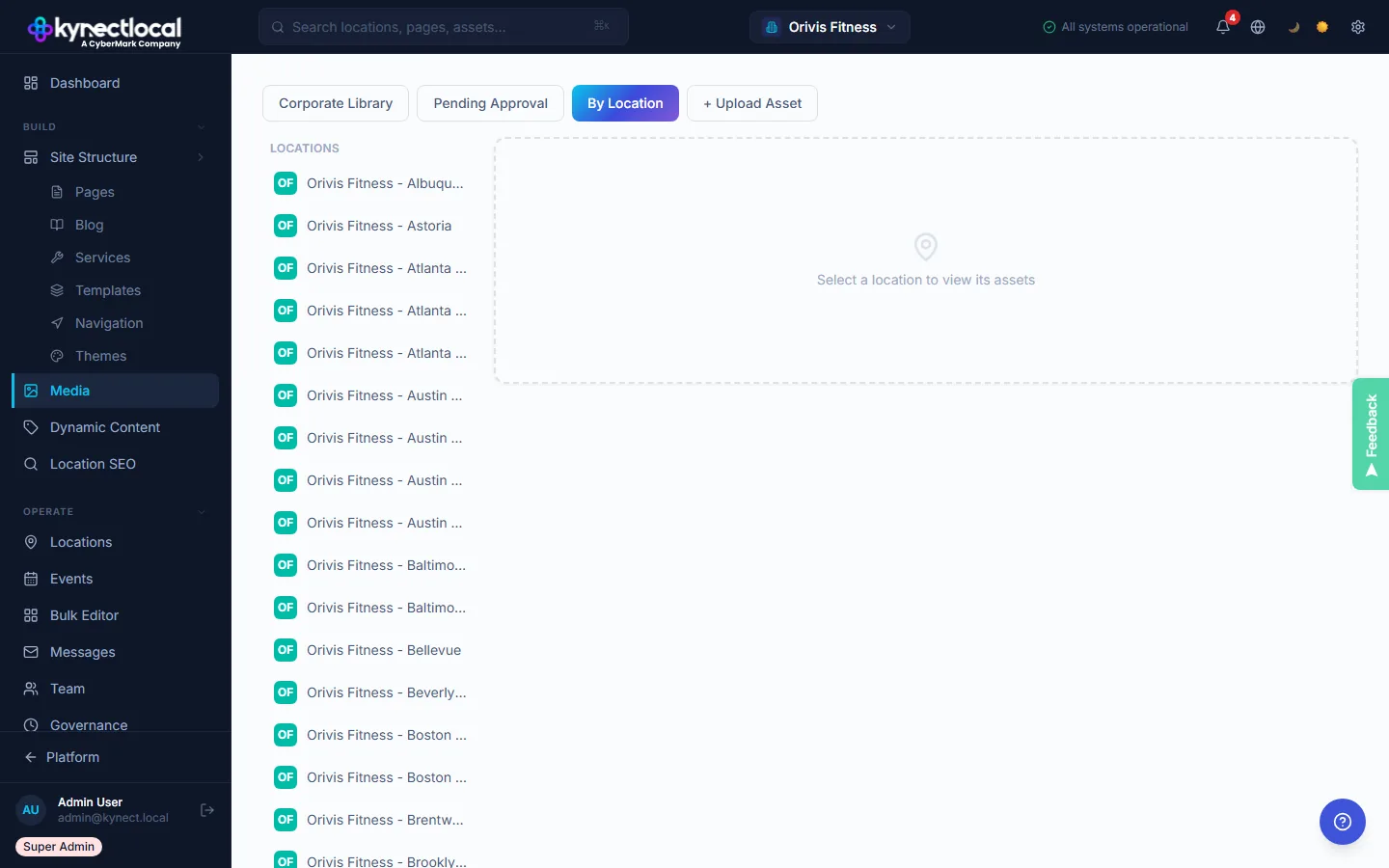
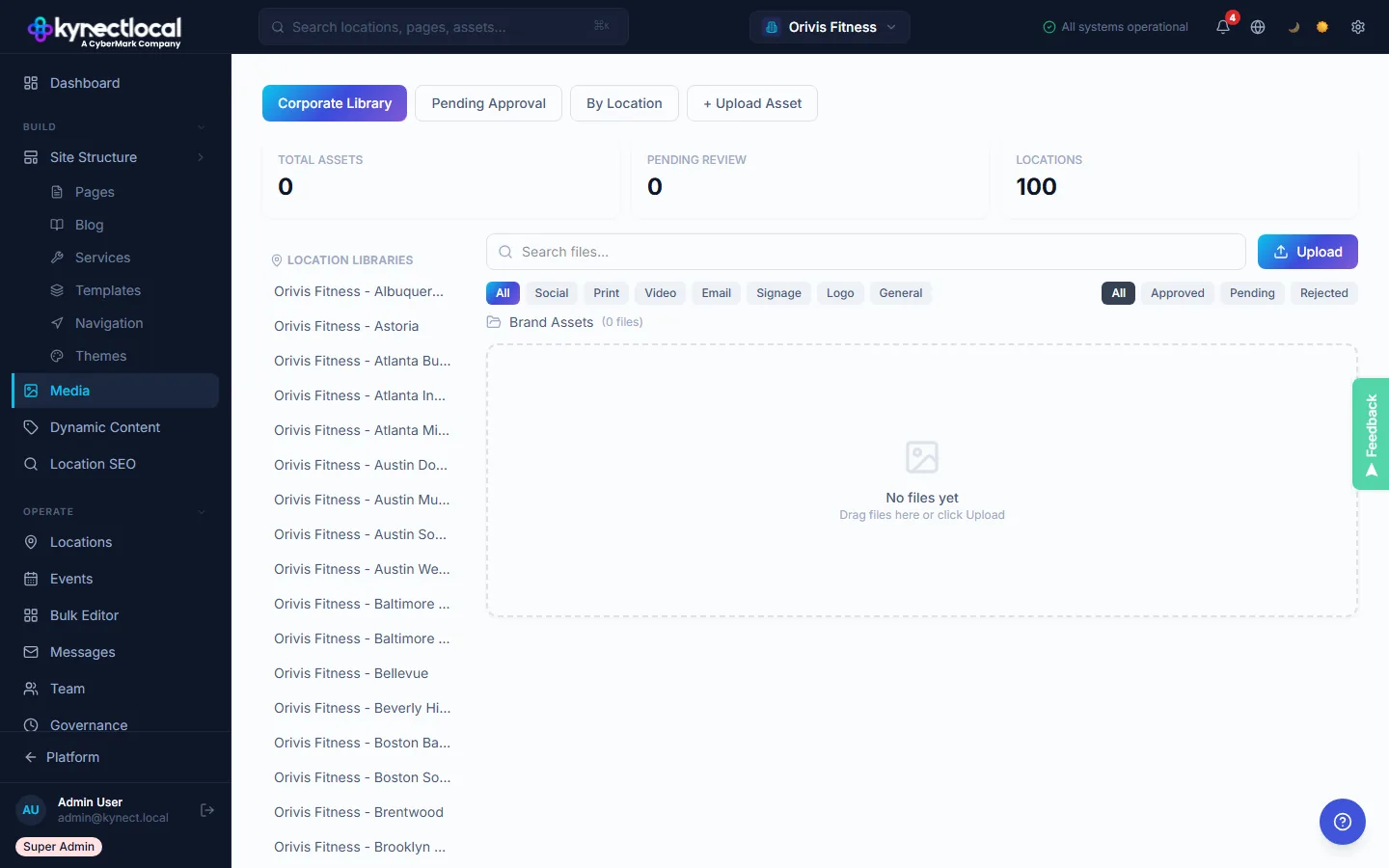
The Corporate Library tab houses every brand-managed asset, organized into Global Library sections (Logos, Heroes, General) and per-location libraries. Filter by asset type (Social, Print, Video, Email, Signage, Logo, General) and status (Approved, Pending, Rejected). Search by filename across the entire network.
- →Global Library: Logos, Heroes, General categories.
- →Per-location library section for each franchisee.
- →Type and status filters.
- →Search by filename across 100+ location libraries.
Franchisees upload. Corporate reviews. Nothing publishes until approved.
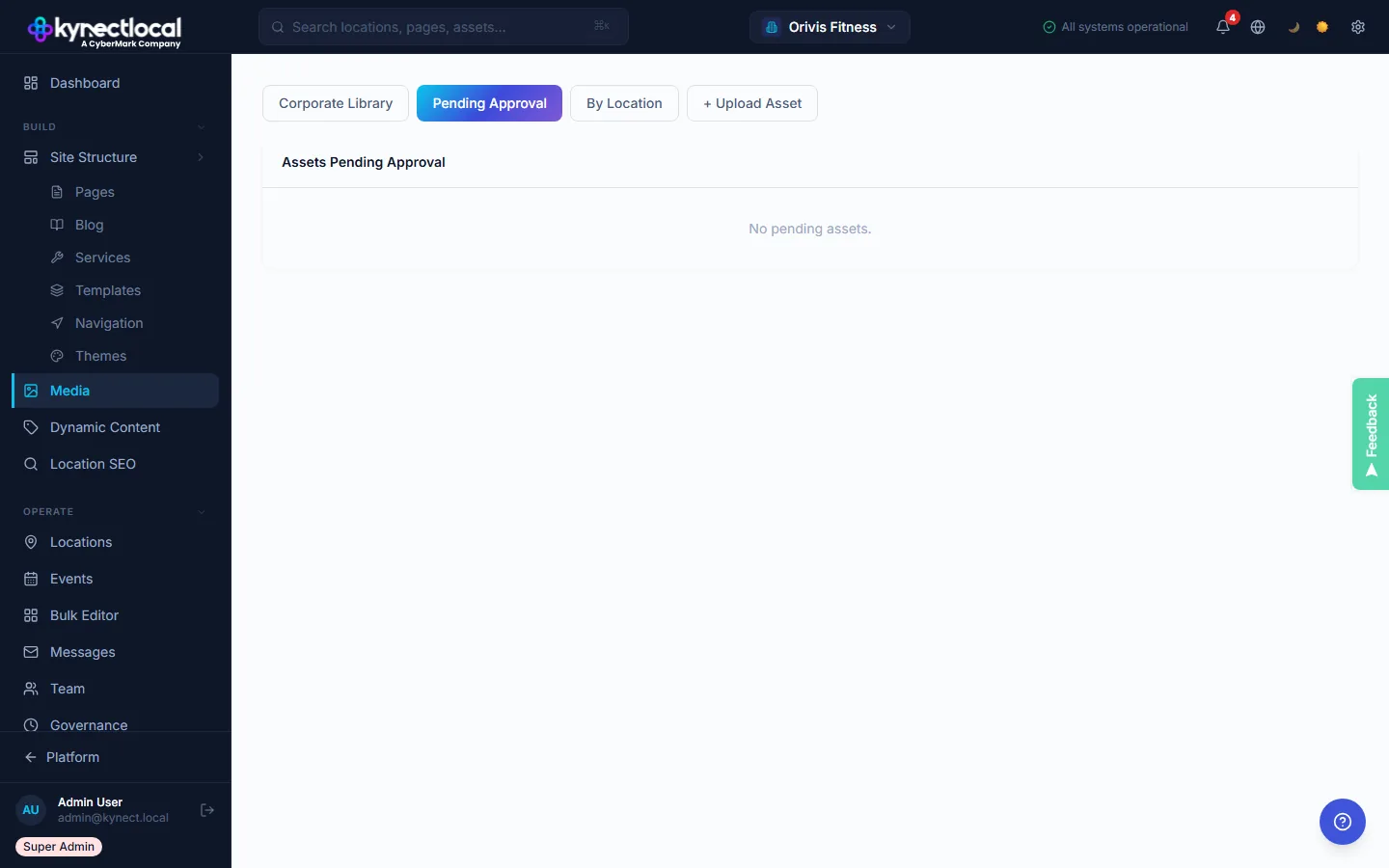
When a franchisee uploads an image from their location, it enters the Pending Approval queue, visible only to brand admins. Each queued item shows a thumbnail, filename, file size, and source location. One click to approve (makes it available for use on pages) or reject (removed from the queue). Pending assets cannot be placed on live pages.
- →Pending Approval queue visible to brand admins only.
- →Thumbnail, filename, file size, and source location shown.
- →One-click approve or reject.
- →Rejected assets never reach franchisee pages.
Every asset reviewed before it goes live
Three steps. No exceptions. No asset reaches a live page without brand sign-off.
Location team uploads a photo from their admin dashboard
Asset sits in the Pending Approval queue for brand admin review
Approved assets are available to use. Rejected assets return with a reason.
Franchisees submit. Corporate approves. Nothing ships without sign-off.
When a franchisee uploads a new image or asset, it enters a pending queue and does not go live on their site. Corporate reviews every submission in the Media Approval panel: they can approve, reject with a reason, or replace with a brand-compliant version. Approved media becomes available in the franchisee's media library and page editor.
- →All franchisee uploads held in a pending queue before review.
- →Corporate approves or rejects with optional rejection reason.
- →Approved assets become available in the franchisee library.
- →Rejection feedback shown to franchisee for correction.
Centralized asset governance across your network
Corporate library
Brand-owned assets organized into categories: Logos, Heroes, General. Available to all locations as the single source of truth for on-brand visuals.
Franchisee upload queue
Location teams upload photos from their admin. Assets land in a Pending Approval queue where brand admins approve or reject before anything goes live.
Per-location libraries
Every location has its own approved asset section: searchable, filterable, and separate from other locations' content. Clean organization at any scale.
Asset type filtering
Filter by type (Social, Print, Video, Email, Signage, Logo) and by status (Approved, Pending, Rejected). Find the right asset without scrolling through everything.
Assets governed before they ever go live
Upload brand assets to the Corporate Library
Brand admin uploads logos, hero images, and campaign assets. These are available to every location in the network. No requests, no email chains.
Franchisees upload location-specific photos
Each location uploads their own photos from the franchisee admin dashboard. All uploads land in a Pending Approval queue and do not go live until approved.
Brand admins approve or reject
Review each submission in the approval queue. Approved assets are added to that location's library. Rejected assets return with a reason so franchisees can revise and resubmit.
Built for every role in the network
- Every franchisee-uploaded asset requires brand approval before use
- Off-brand or low-quality images never reach a live location site
- Corporate library is the single source of truth for approved brand assets
- Asset type tagging makes campaign-specific assets easy to find and audit
- Access brand-approved logos, heroes, and campaign assets directly in the admin
- Upload your own location photos for a personalized presence
- Approved assets are immediately available to use in your location's pages
- Filter and search your library. No hunting through shared drives.
See what KynectLocal costs for your network.
Per-location pricing with no seat limits. Build a custom estimate in about two minutes.