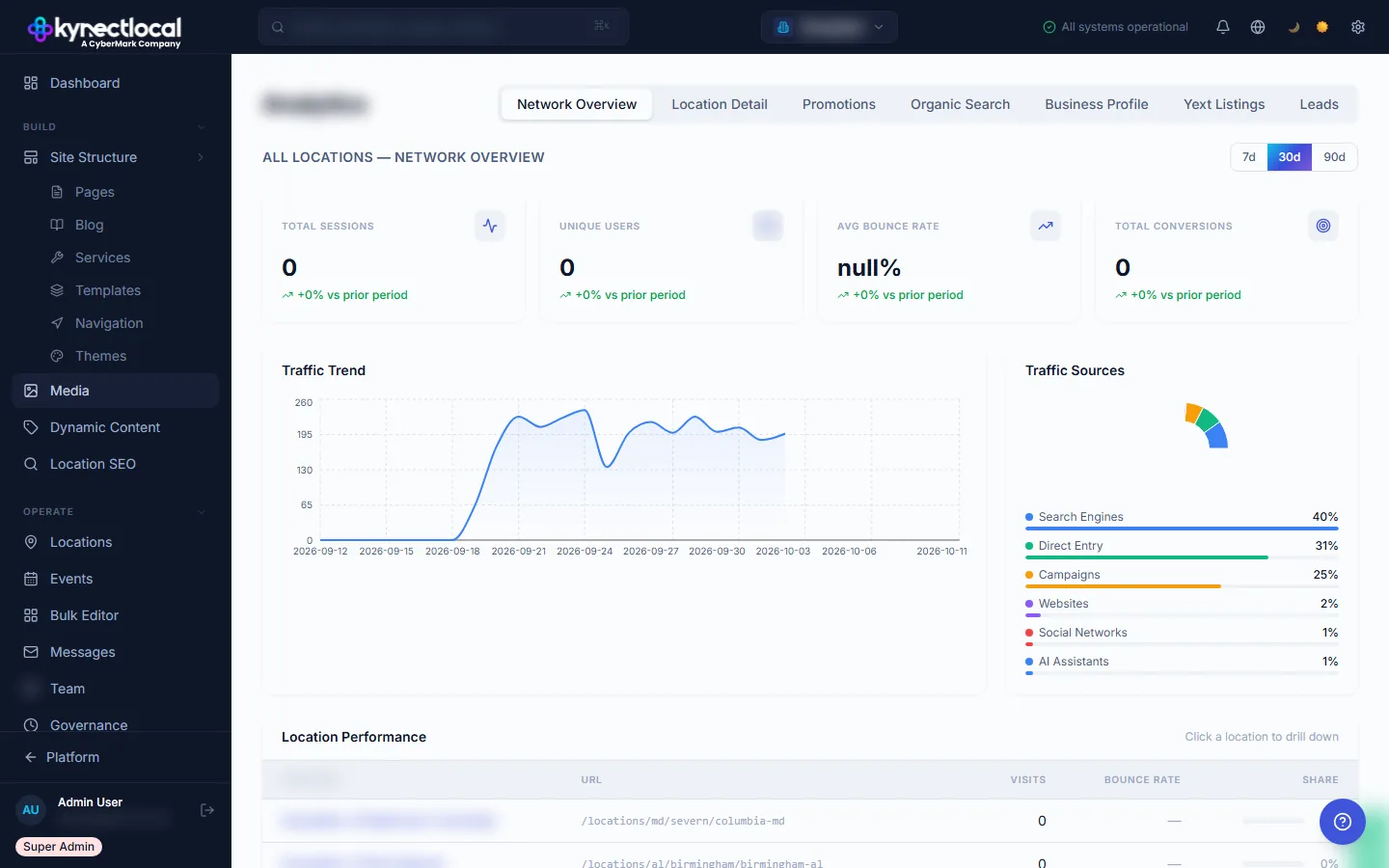
Total visits, bounce rate, conversions: across every location.
The Network Overview tab pulls traffic data from all locations into one dashboard. Filter by 7, 30, or 90 days. See total visits, bounce rate, goal conversions, and traffic source breakdown. Identify which locations drive traffic and which need attention.
- →Aggregate traffic across all locations
- →7 / 30 / 90-day presets
- →Traffic source breakdown: Organic, Direct, Referral, Paid
- →Goal conversion tracking across the network
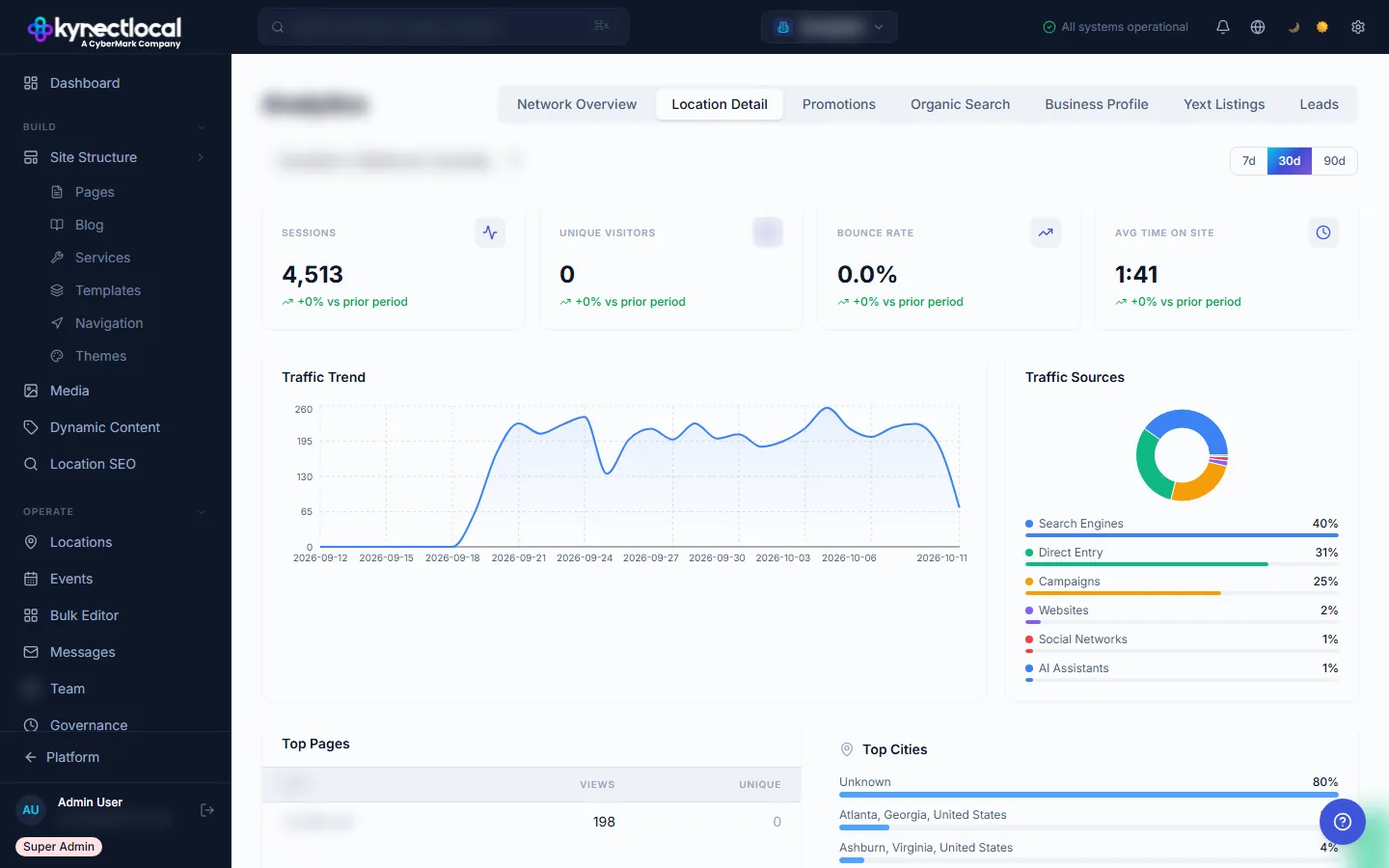
Drill into any location. Top pages, sources, conversions.
The Location Detail tab lets brand admins drill into a single location: top-performing pages, traffic by source, goal conversion events, and trend lines. Franchisees see only their location's data. Brand admins can switch between any location in the network.
- →Per-location traffic, top pages, source breakdown
- →Goal conversion events per location
- →Date range consistent with network overview
- →Franchisees scoped to their location automatically
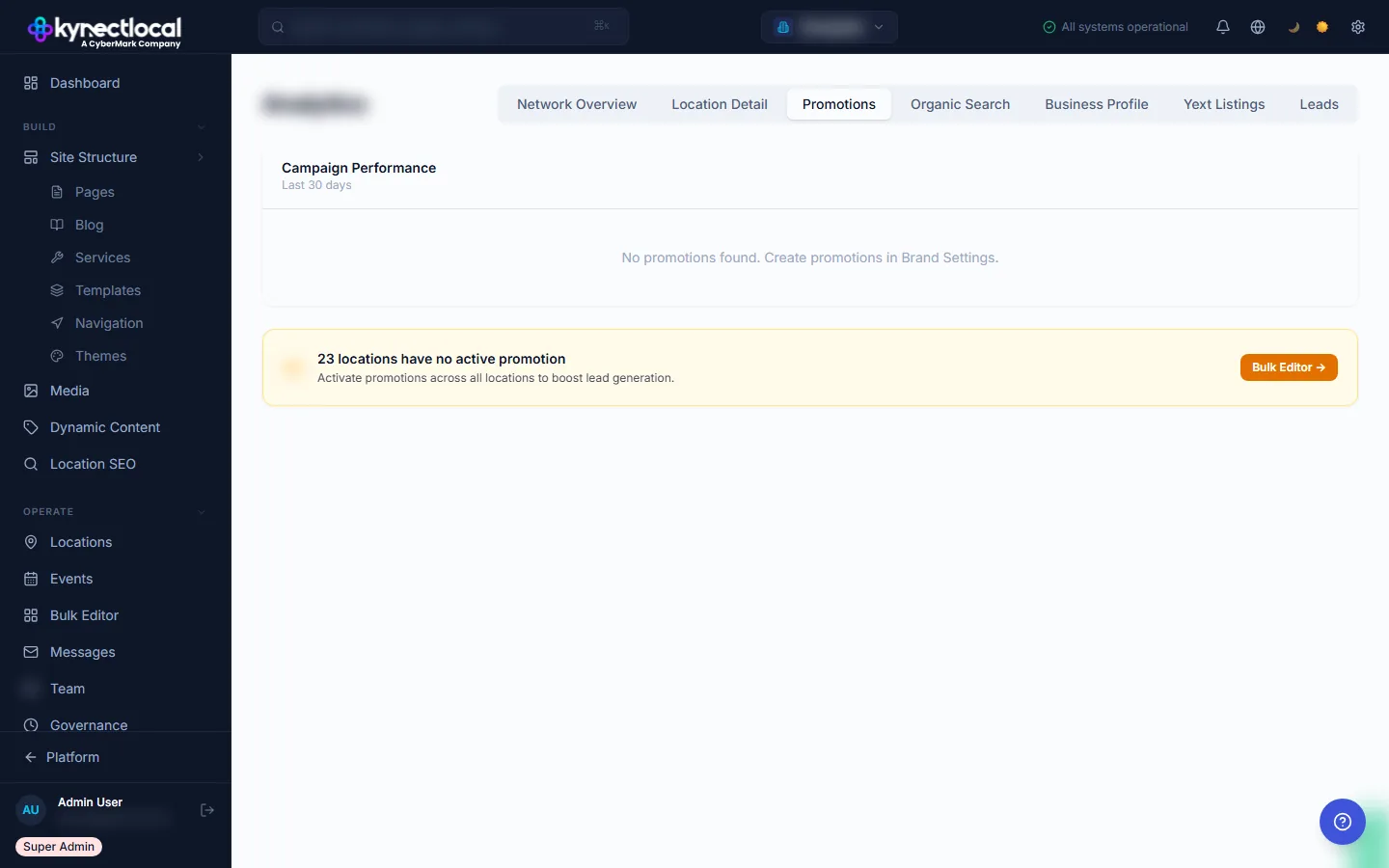
See which locations are running your promotion and how it converts.
The Promotions tab tracks active campaign performance across the network. See which locations have the current promotion live, how much traffic the promotion page generates per location, and what the conversion rate looks like. Network adoption rate is shown at the top.
- →Active promotion tracking per location
- →Network adoption rate at a glance
- →Traffic and conversions per promotion per location
- →Historical promotion performance
What analytics gives you
Traffic data spread across 200 separate GA4 properties is noise. KynectLocal aggregates it into one structured view while keeping each location's data scoped correctly.
Network overview
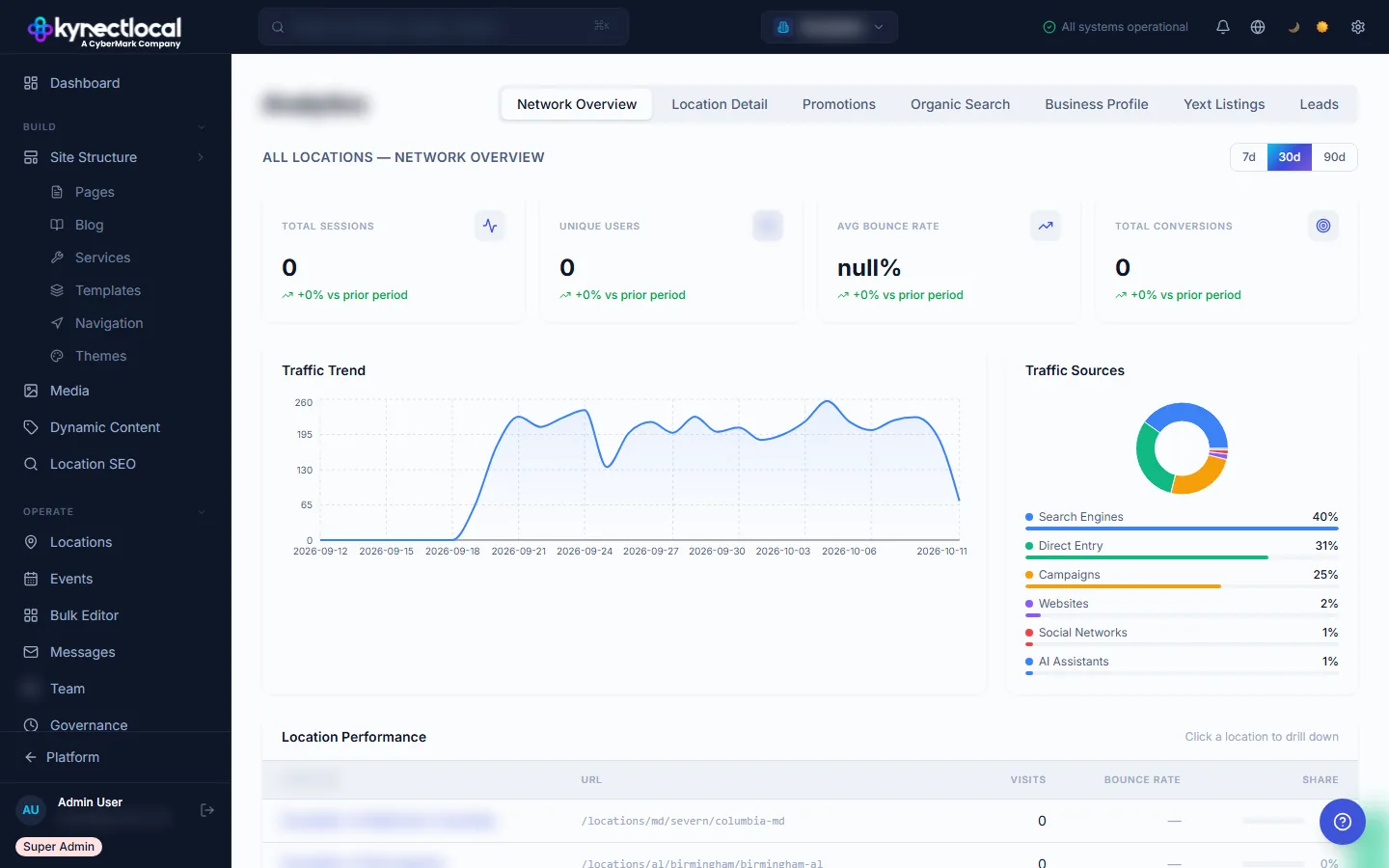
Aggregate visits, bounce rate, goal conversions, and traffic source breakdown across your entire franchise network. Filterable by 7d, 30d, 90d. Period-over-period comparison built in.
Per-location detail
Drill into any single location: top pages, traffic sources, conversion goals, and trend lines. Brand admins access any location. Franchisees see only their own, correctly scoped with no configuration needed.
Promotions tracking
Track campaign performance and network adoption. See which locations are running your active promotions, how many sessions each drives, and what converts: all in one view.
Matomo or GA4
Choose your analytics backend. KynectLocal syncs and surfaces the data. You own it. Matomo gives full data ownership and privacy compliance. GA4 connects your existing property.
Connected once, surfaced everywhere
Connect your analytics backend
Connect Matomo or Google Analytics 4 in the Integrations panel. One brand-level connection covers the entire network. No per-location property management required.
Data surfaces in the dashboard
Network overview for brand admins: aggregate across all locations with date range filters. Per-location view for franchisees: correctly scoped to their data, no setup required on their end.
Filter by what matters
Filter by date range, location, traffic source, or active promotion. Drill from network view to location view to page view. The data structure follows your franchise hierarchy.
The right view for every role.
Network performance, not 200 tabs.
- →Network-wide traffic aggregation with date range comparison. See what's moving across the entire brand.
- →Promotion performance tracking. Understand network adoption and conversion at the campaign level.
- →Location-level comparison. Identify outliers in traffic or conversion without manual reporting.
- →Analytics backend flexibility. Matomo for data ownership, GA4 for existing infrastructure.
Your traffic, clearly.
- →Your location's traffic at a glance. Sessions, sources, top pages, and conversion goals in one screen.
- →Top page performance. See what content drives visits to your location, not the whole network.
- →Conversion goal tracking. Form submissions, click-to-call events, and booking completions.
- →No setup required. Data appears automatically once your brand connects the analytics integration.
Related features
Digital Impact
Takes analytics traffic signals and combines them with lead and call data to estimate revenue contribution per location.
Explore →Lead Management
Lead capture and source attribution data sits alongside analytics. See traffic and conversion in the same context.
Explore →AI Search
Understand where your traffic comes from, including AI-referred sessions from GPT, Perplexity, and Google AI Overviews.
Explore →See what KynectLocal costs for your network.
Per-location pricing with no seat limits. Build a custom estimate in about two minutes.